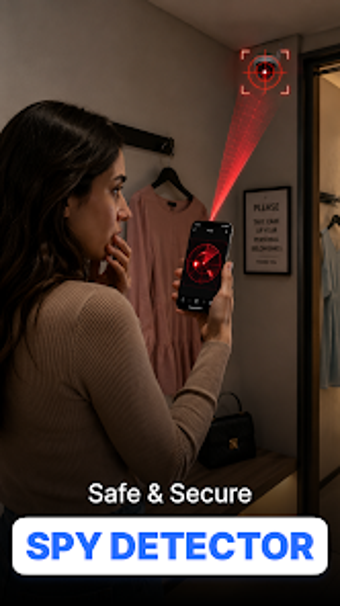
CamFinder: Android toolkit for detecting covert cameras in rooms
Find Hidden Camera - CamFinder, from fineart, helps users check unfamiliar rooms for covert recording devices. The app combines sensor and camera checks to locate potential surveillance, scanning the local Wi-Fi, polling the magnetometer, and applying a camera filter that highlights lens reflections and infrared light, for quick Android scans. It combines network discovery, magnetic-field scanning, an infrared-aware camera filter, and step-by-step inspection checklists to guide manual verification in suspicious locations. Travelers, rental guests, and privacy-conscious users get a portable, phone-based way to perform quick privacy checks.
What does CamFinder do?
CamFinder is a phone-based privacy utility that inspects a room with three sensor channels and a manual checklist. It enumerates devices on the local Wi-Fi network, reads the magnetometer for magnetic signatures, and uses an optical camera filter to flag lens reflections or infrared LEDs. The app bundles these outputs into on-screen alerts and an inspection checklist, providing a quick, initial assessment rather than a technical sweep.
Does it slow down your device during scans?
The app runs on Android devices and relies on native sensors and the camera rather than continuous cloud processing, so it does not require heavy network uploads. Full detection requires a device magnetometer, and the developer notes that detection accuracy depends on the phone's hardware. Wi-Fi enumeration is limited to the local network, so scans are constrained by the device's wireless state and permissions granted to the app.
Is it safe to rely on in unfamiliar spaces?
CamFinder is presented as a privacy awareness aid rather than a certified detection service, so users should treat alerts as leads for manual checks. The magnetic reader can react to speakers, wiring, or metal fixtures and the Wi-Fi list shows only devices on the same network; the developer's documentation warns it may not find every camera type. Built-in checklists help guide a visual inspection after any alert.
Practical choice for quick privacy checks, with clear limits
CamFinder suits travelers and privacy-conscious users who want a rapid, phone-based screening tool before settling into an unfamiliar space. It complements physical inspection but does not replace professional sweeps, so interpret alerts cautiously and verify any suspicious signal by inspection. Practical tip: perform a quick scan immediately after entering, then follow up with a visual sweep of common hiding spots. Recommended.